Finish the board today: chart, labels and board view. Pay once.
Tap it in once on your phone: chart, schedule, board view and labels, ready to print before you leave.
- Circuit chart
- Schedule of circuit details
- Board view
- Labels
Built around BS 7671:2018+A4:2026
01Same board, written out three times
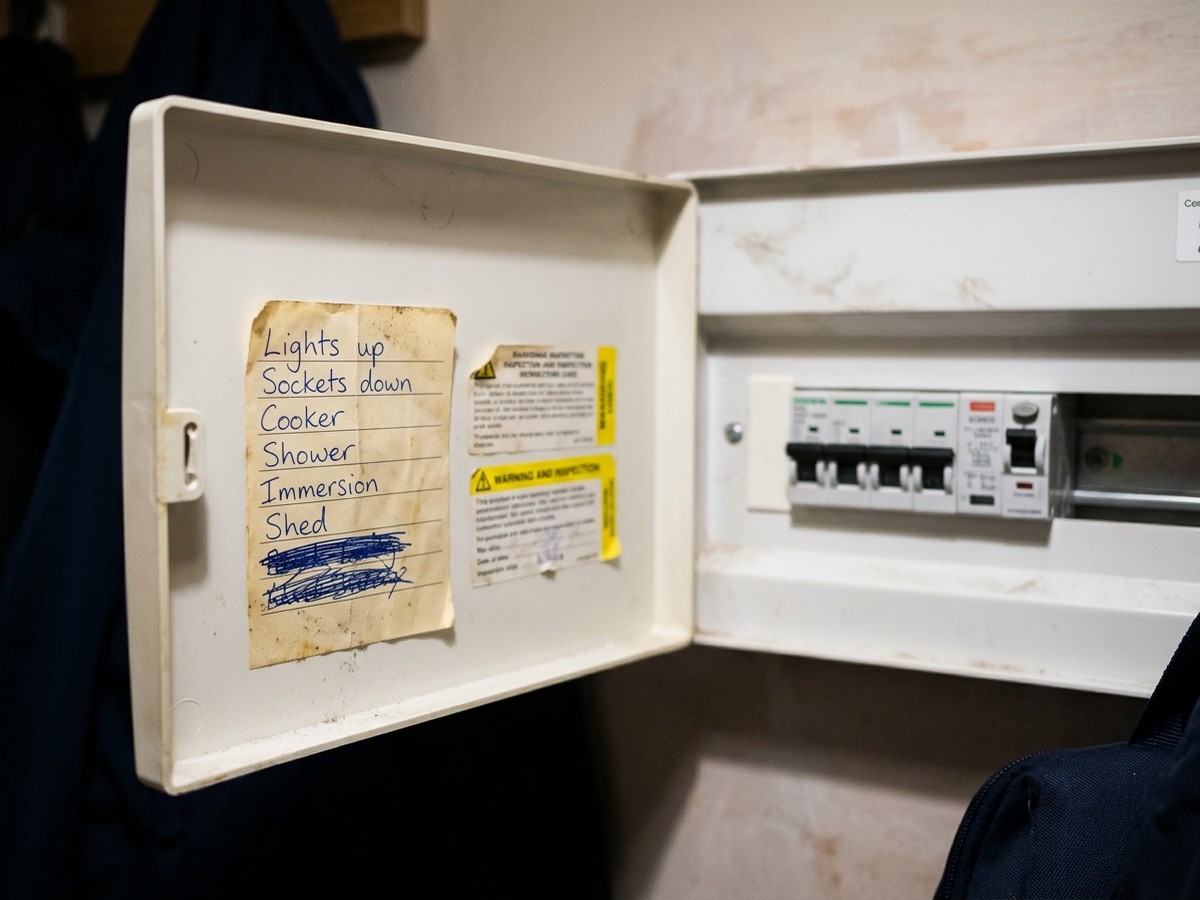
Job's done by four. Then it's the chart in biro on the cover, stickers that don't know your circuits, and the schedule typed up again at the kitchen table.
It's not you being slow. Cert software is built to bill you monthly, not to get you finished. And Word doesn't work under the stairs.
Board Planner does the board side of the job, for domestic single-phase consumer units.
02Tap it in once. Print the lot.
Build the board on your phone the way it sits on the wall: main switch, RCDs, RCBOs, MCBs, SPD. Add each circuit once.
Change a circuit and all four change with it.
It isn't certificate software. Keep using whatever you use for your EIC or EICR. This does the board.
03Built for the phone at the board
Done before you pack the van
Download the PDF on site, print it, and the labels go on before you leave.
Works with no signal
After the first sign-in it works with no signal, PDF included. Saves every change as you go.
Last week's board, two taps away
Start from a template or duplicate a board you've already done. Change four circuits, done.
Your boards stay yours
Saved on your device, not our server. One-tap backup file, restore on any phone or laptop.
04Three ways to do the board side
Biro & stickers
- Circuit chart
- Scribbled on the cover
- Labels
- Generic stickers, biro
- On site
- Yes, but messy
- Written out
- Three times
Word on the laptop
- Circuit chart
- Typed up at night
- Labels
- No label sheet
- On site
- Nowhere to balance a laptop
- Written out
- Three times
Board Planner
- Circuit chart
- Printed from one entry
- Labels
- Real circuit names, sized to the module
- On site
- Yes, on your phone
- Written out
- Once
Cert apps: £15–£20 a month. Board Planner: £19.99 GBP, once.
05See exactly what you get
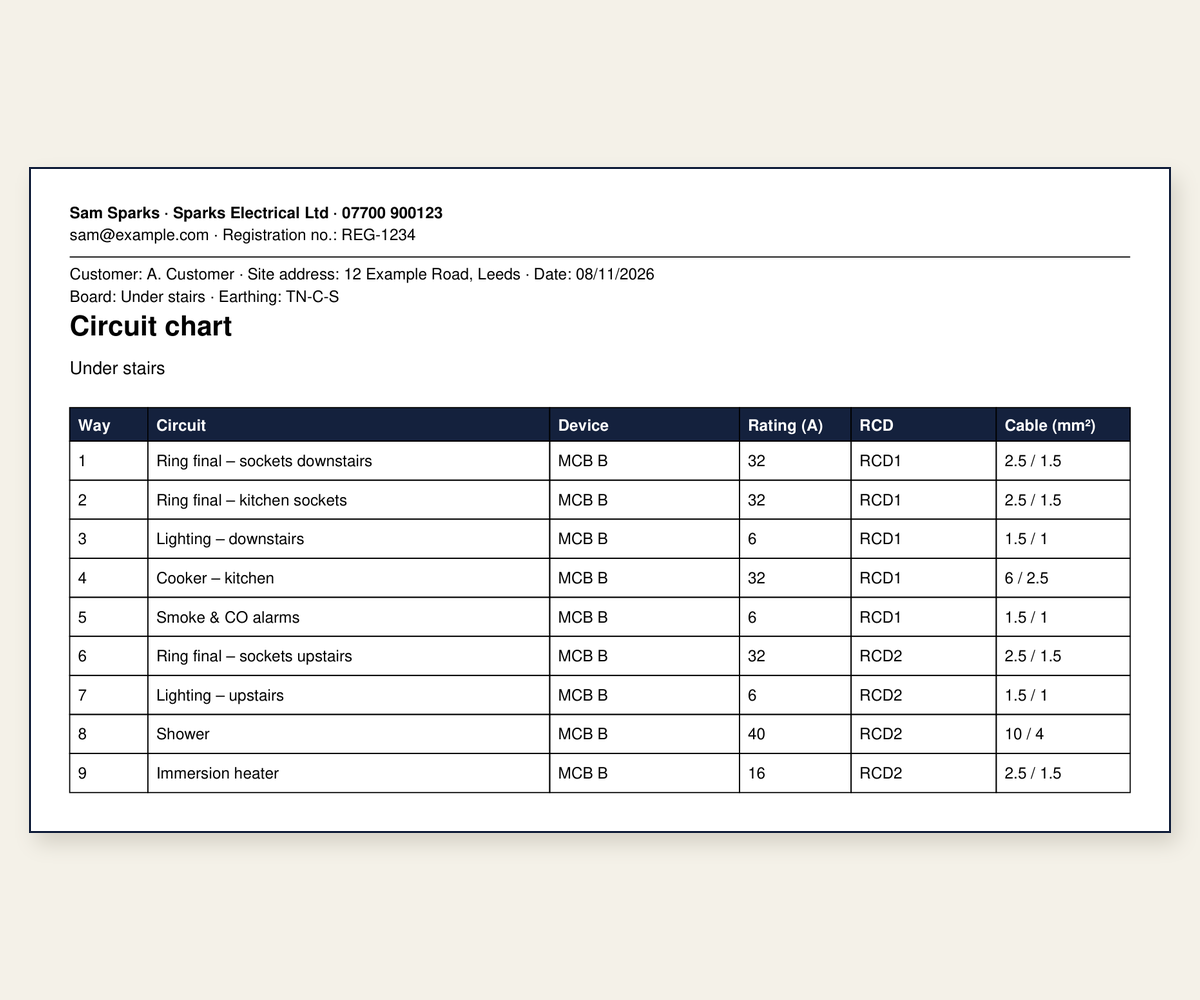
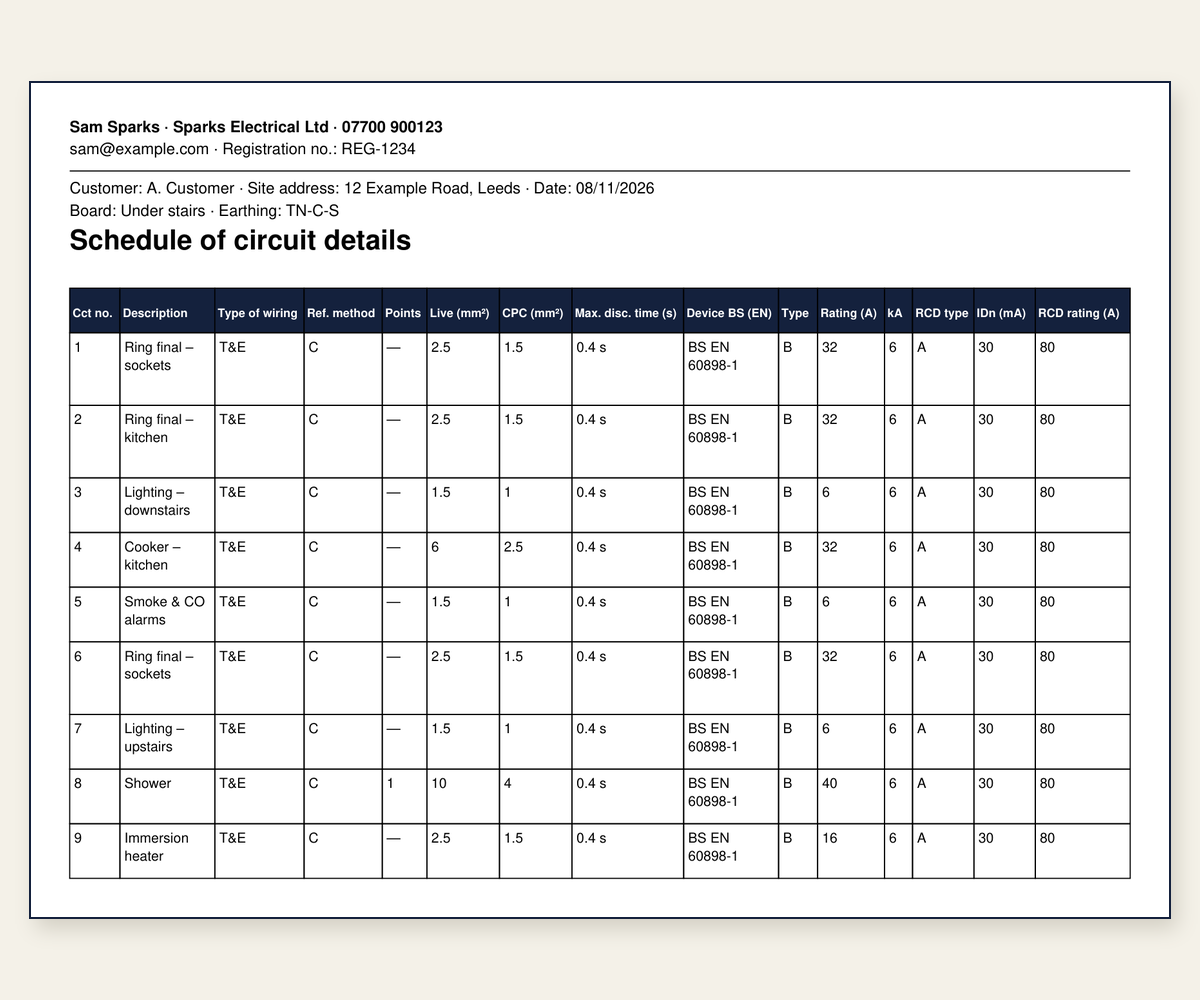
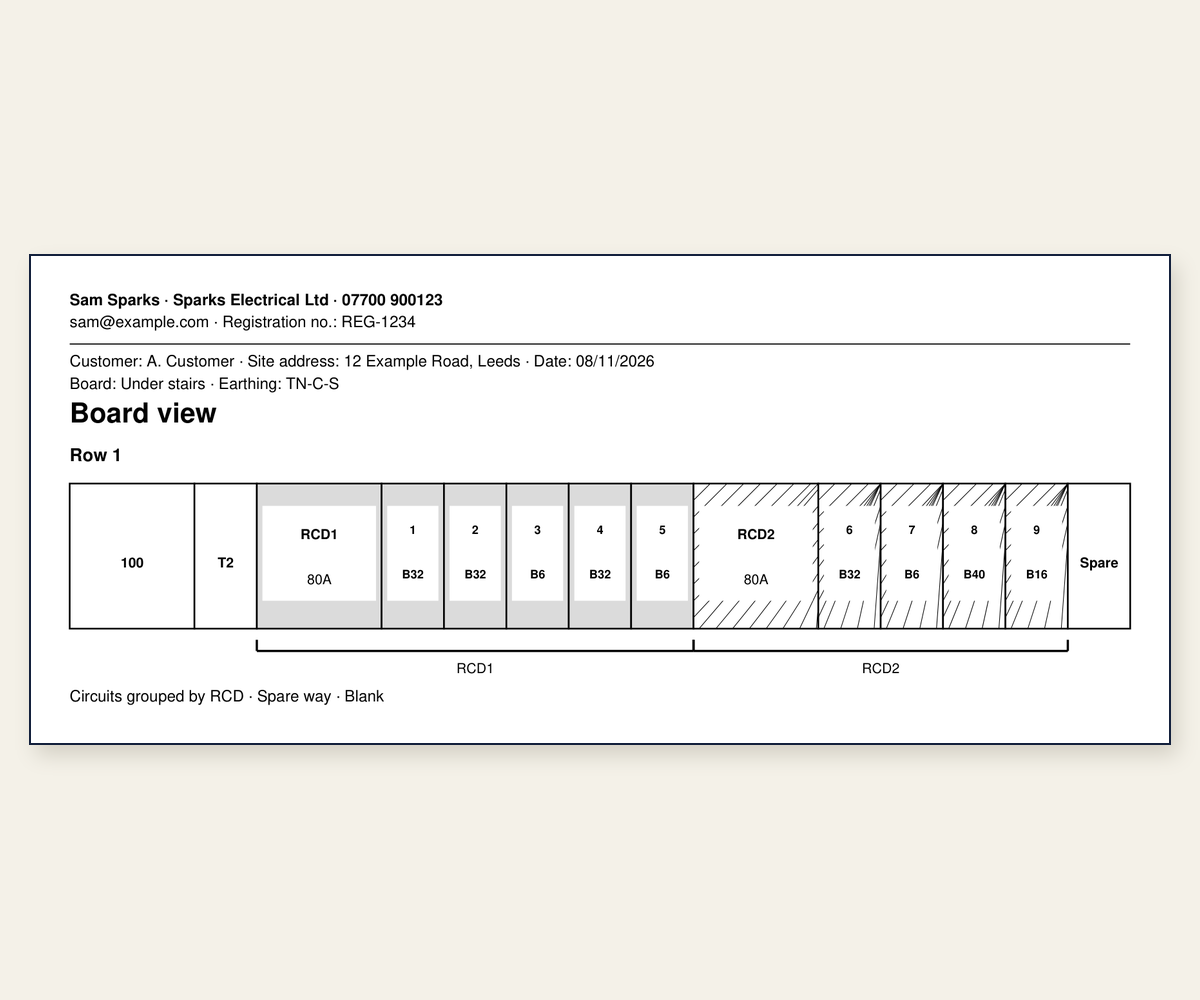
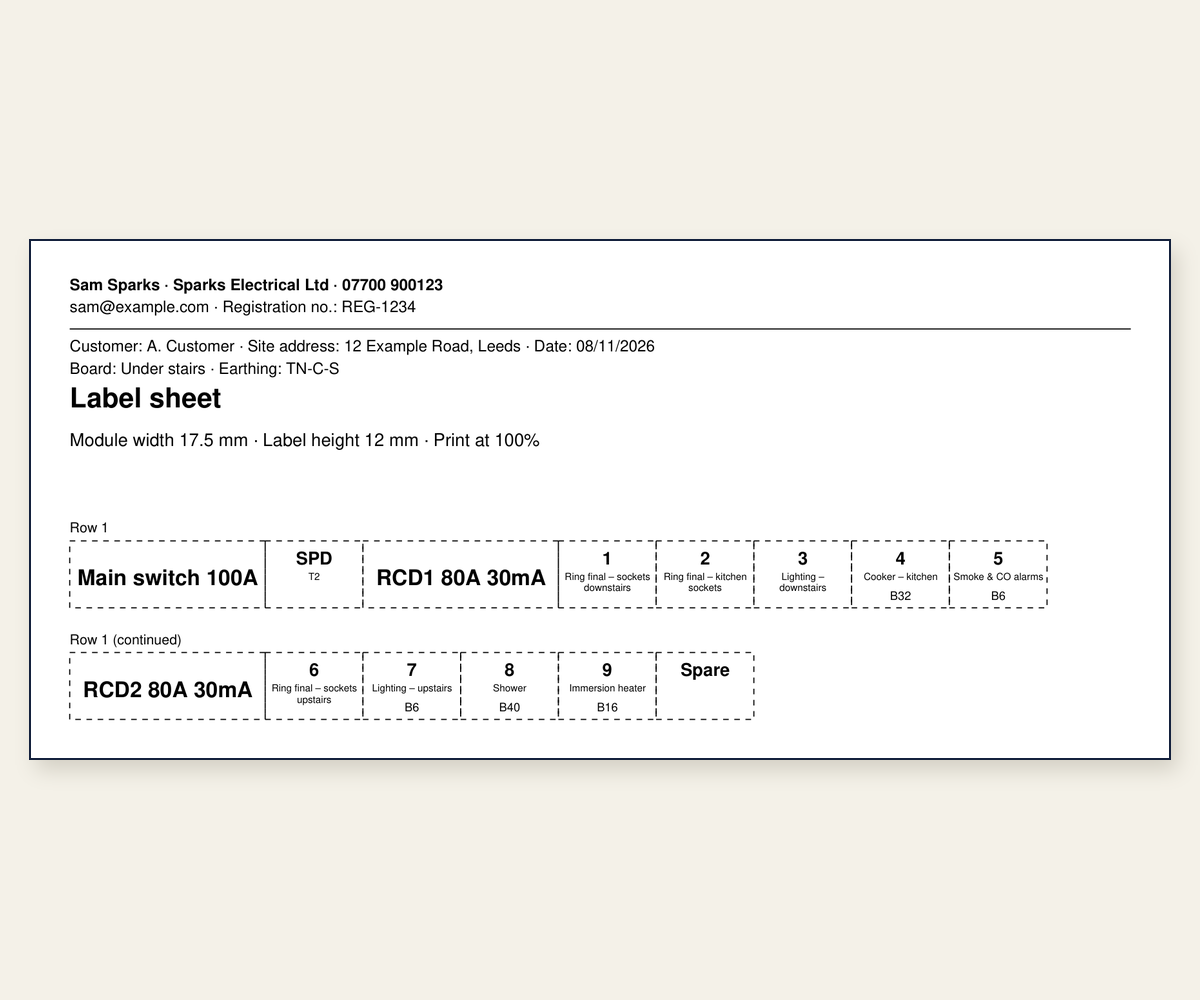
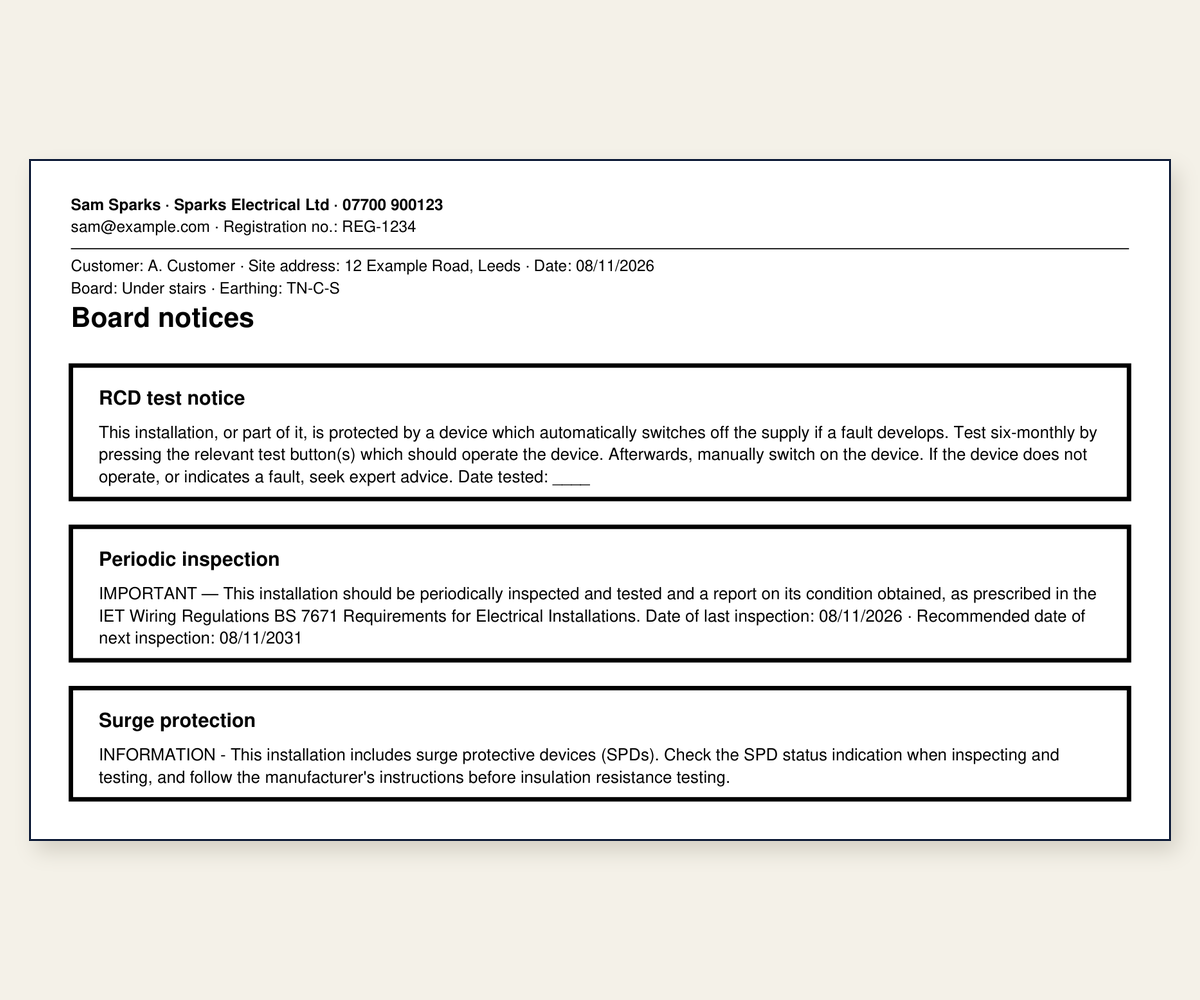
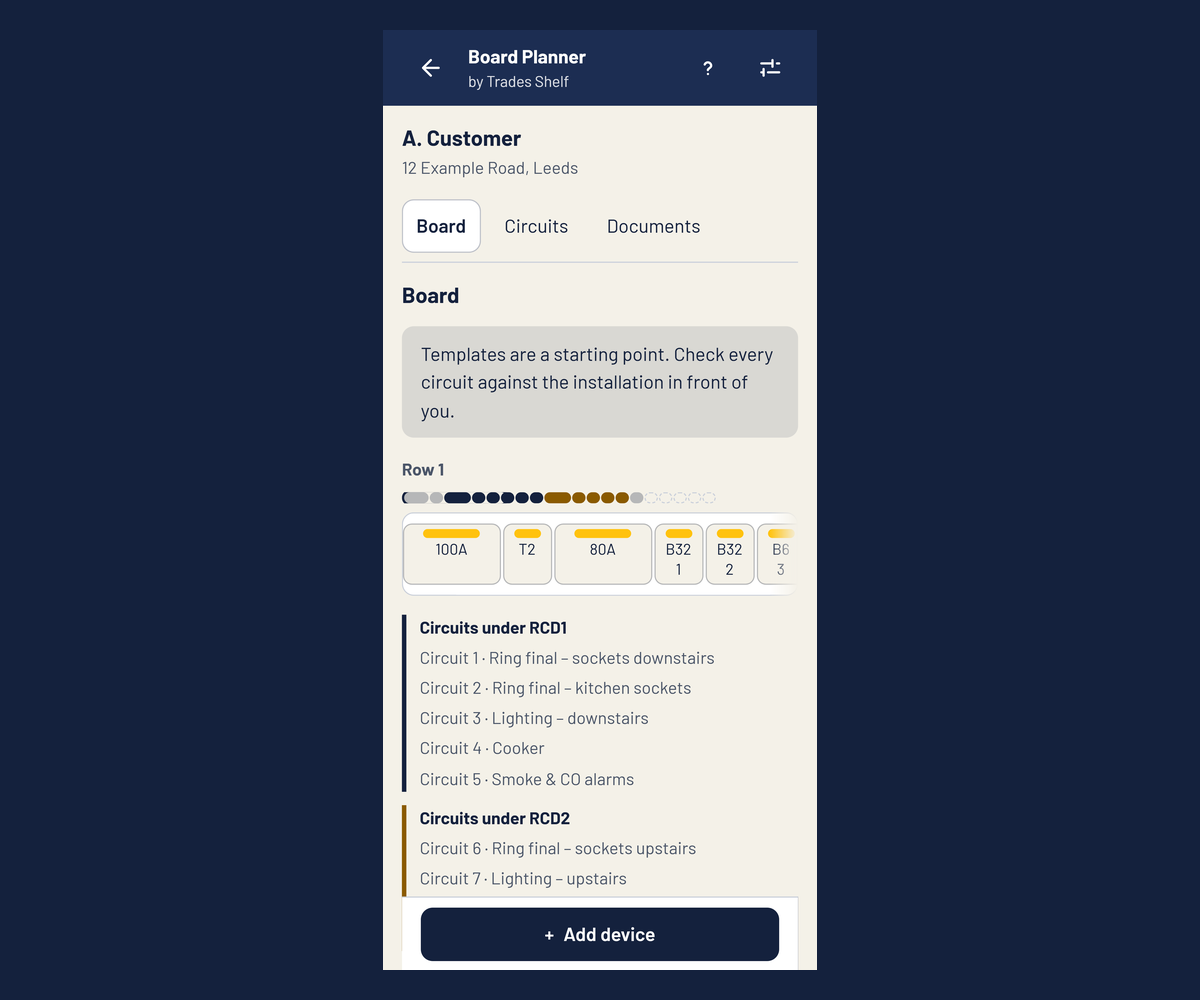
Real pages and screens from the app: a typical dual RCD board.
Get Board Planner06Everything you get today
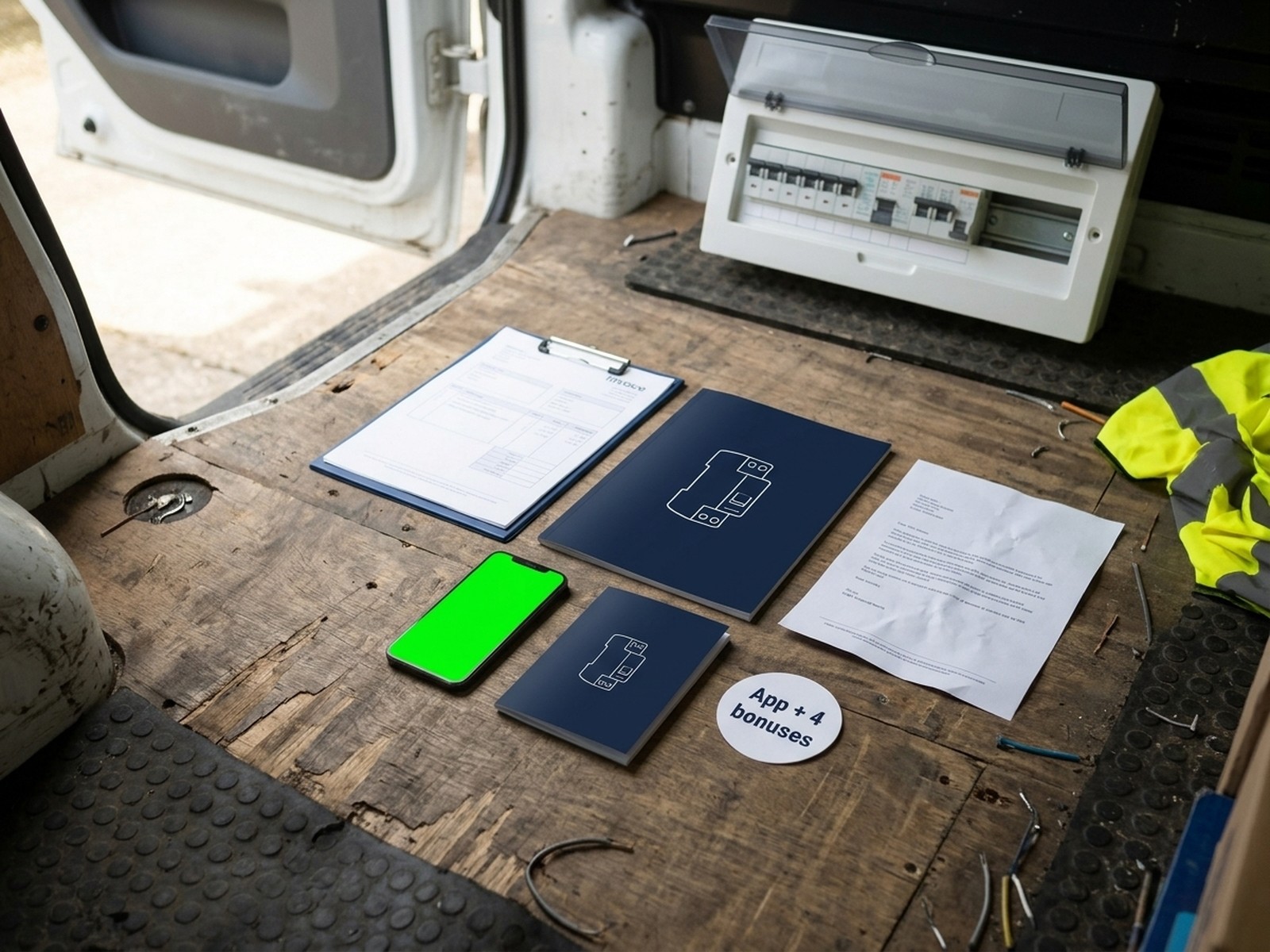
Board Planner + 4 bonuses
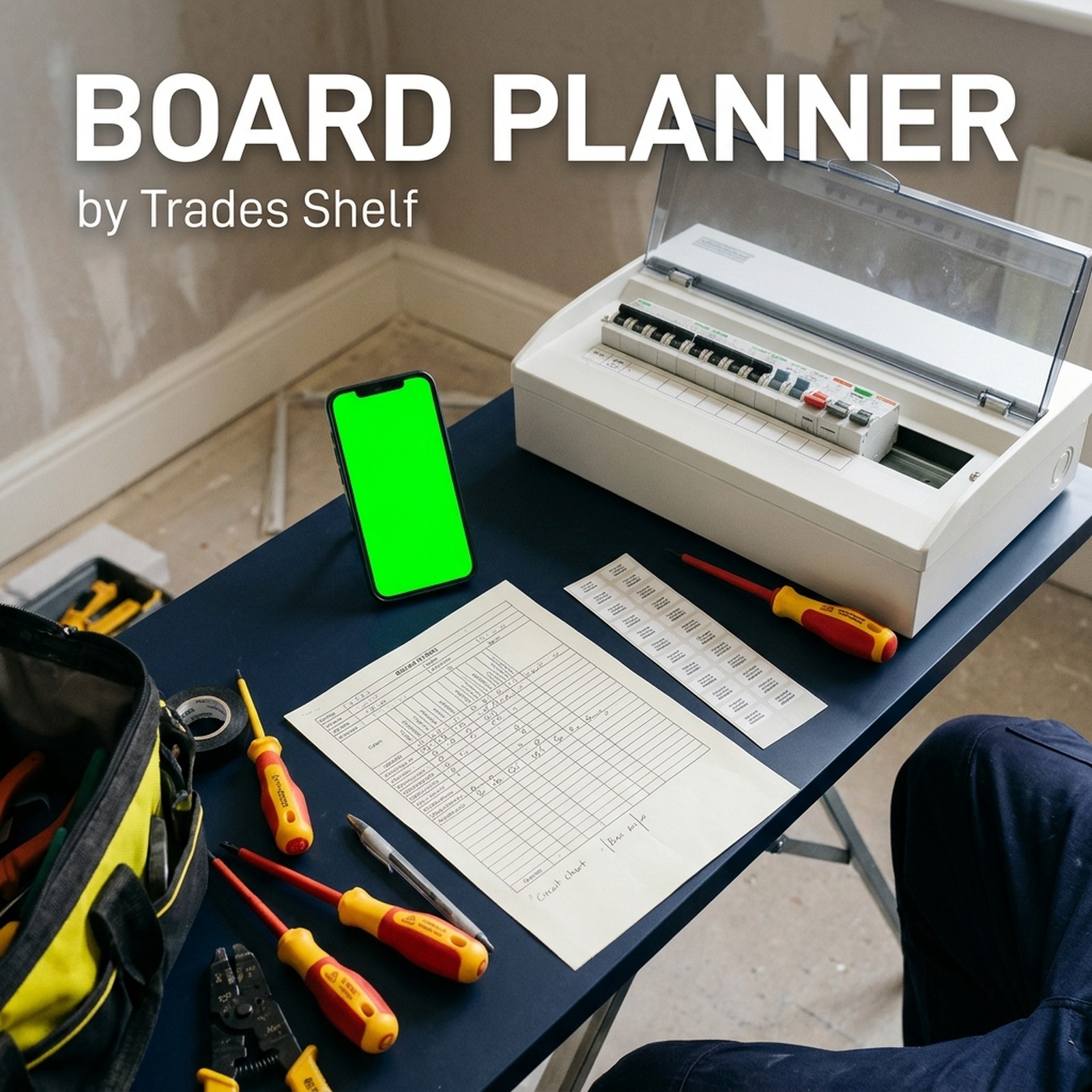 Board Planner app, with 3 starter templates£49.99 value
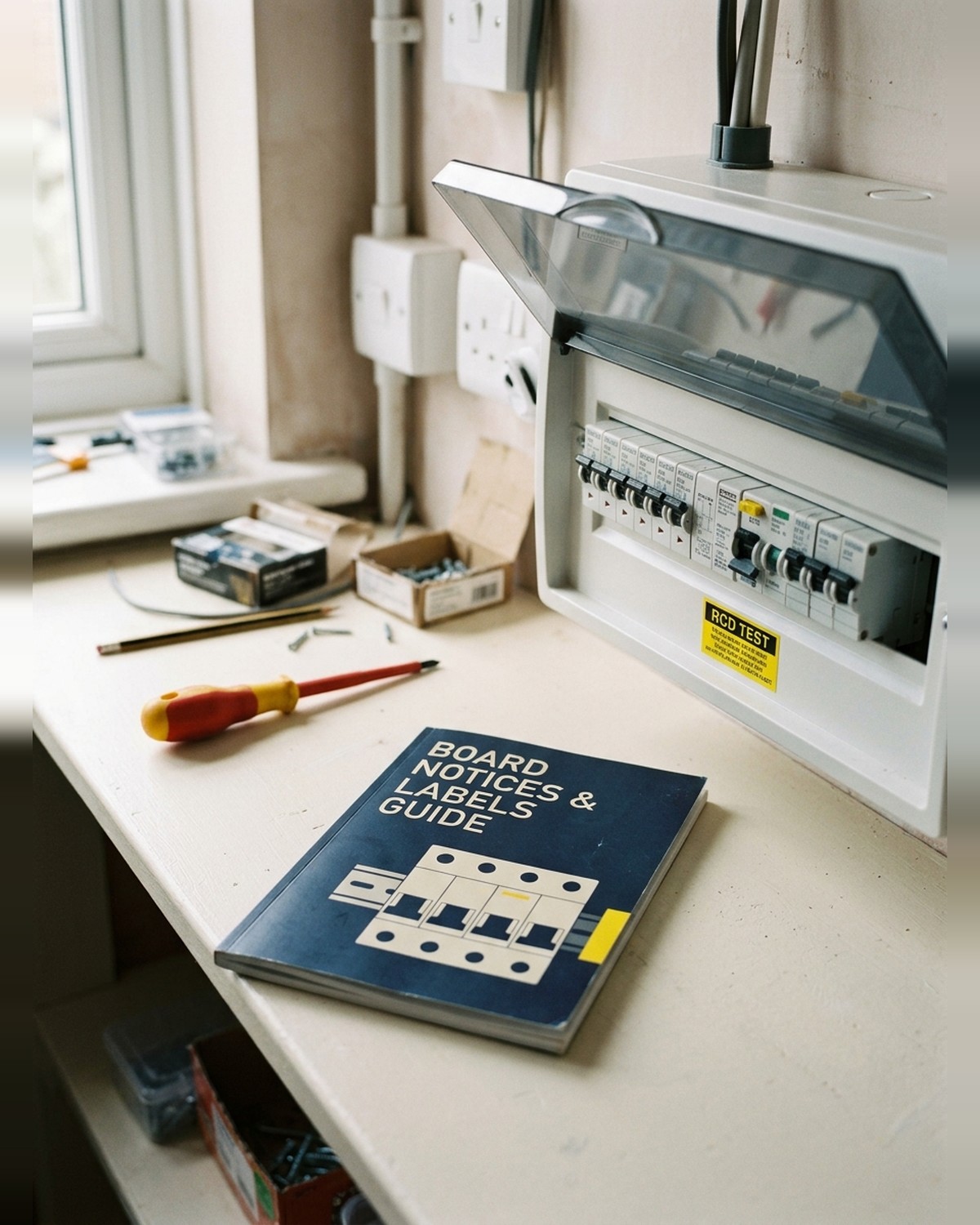 Board Notices & Labels Guide£12 value
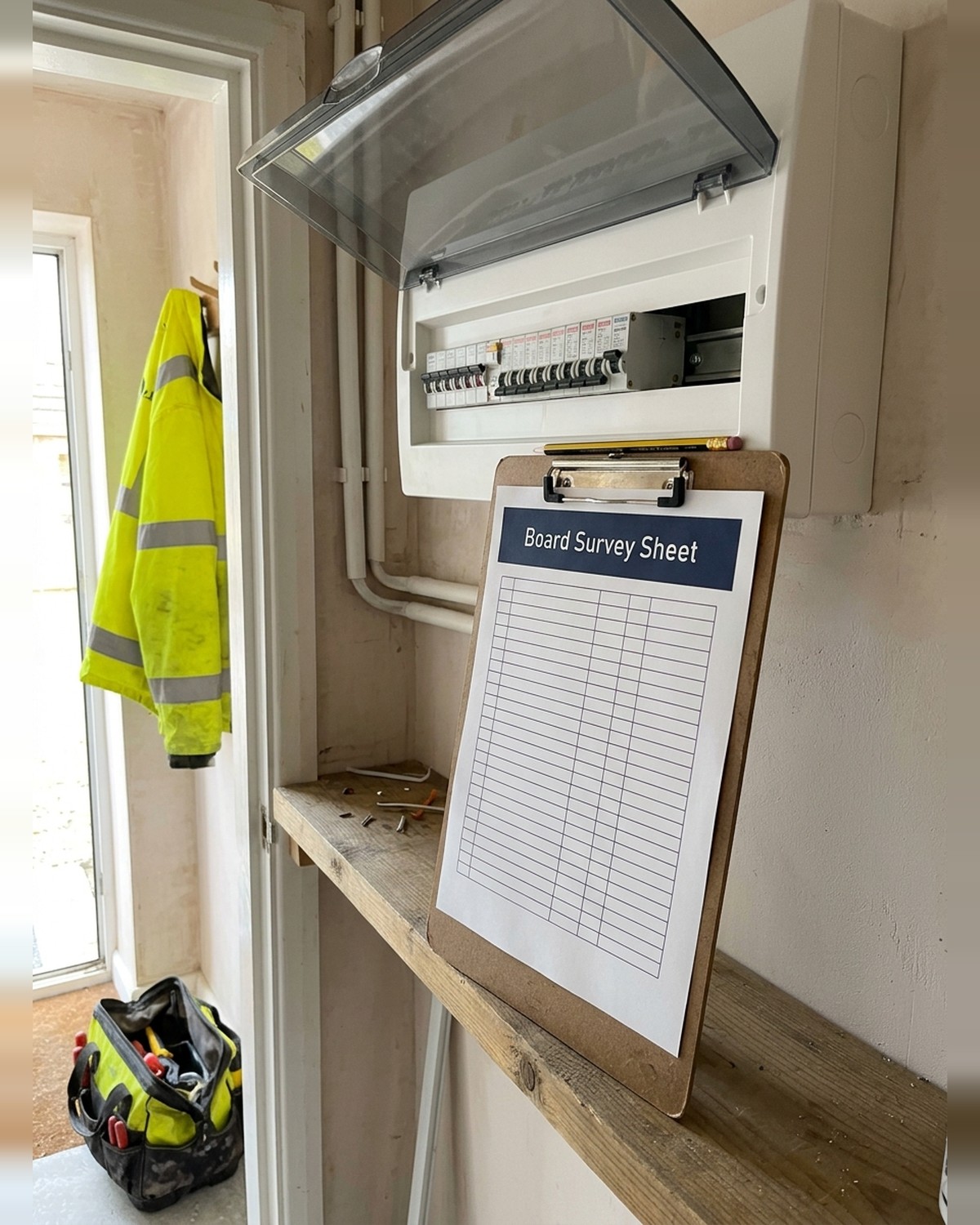 Board Survey Sheet£7 value
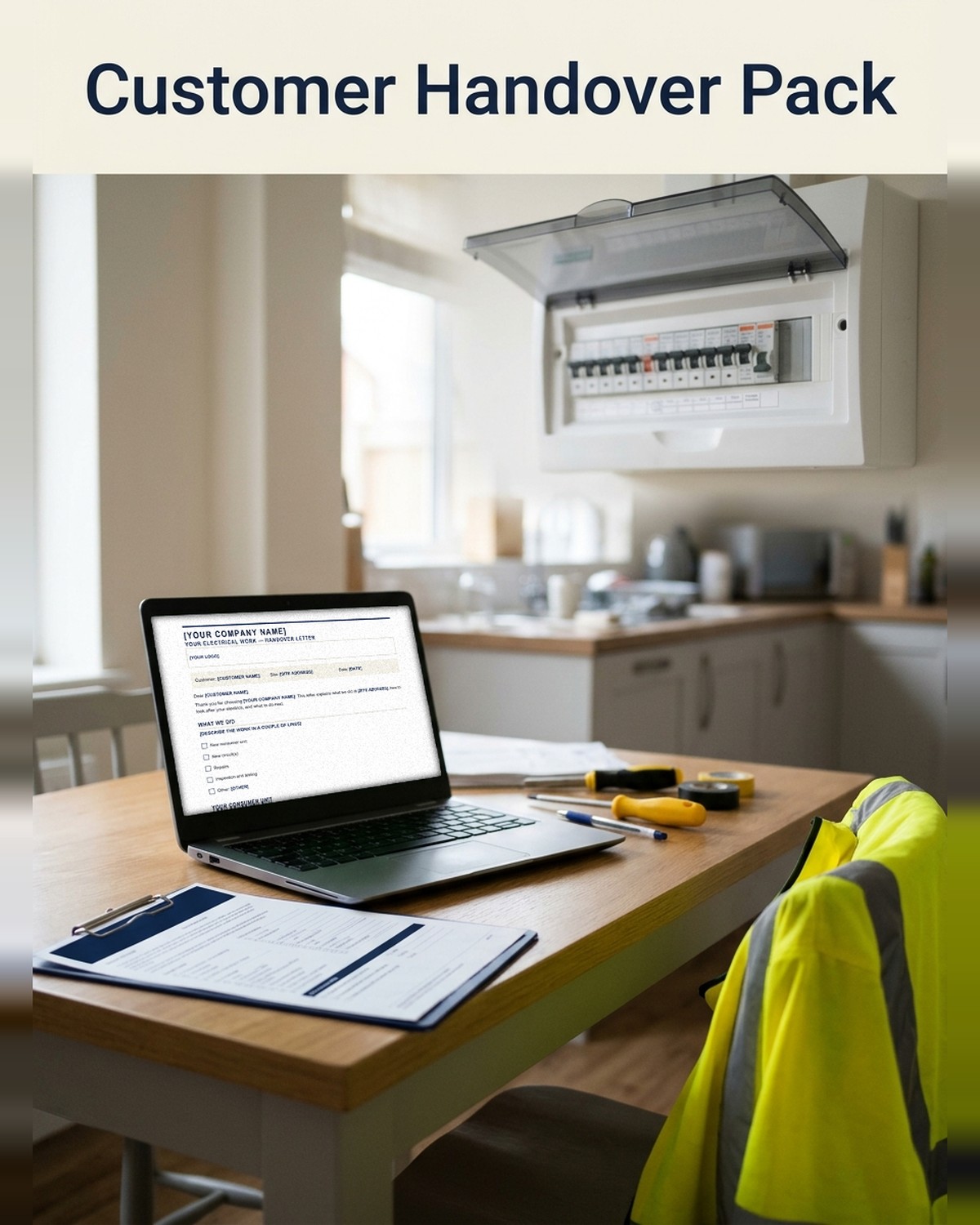 Customer Handover Pack (Word, Google Docs, Pages)£9 value
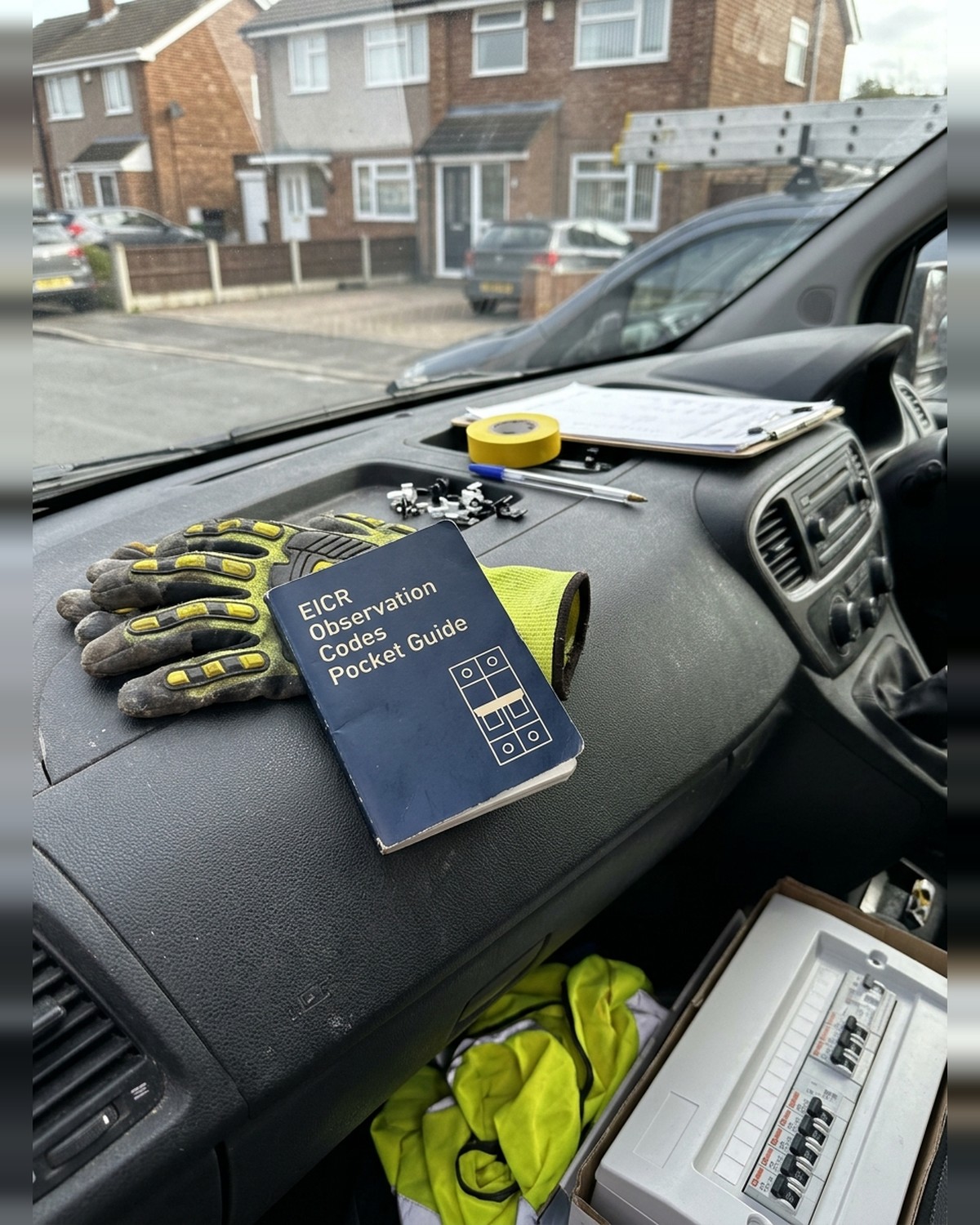 EICR Observation Codes Pocket Guide£10 value
Total value£87.99
14 people are looking at this right now
Only 23 left at the launch price
Launch price ends in 28:41
£19.99 GBP£49.99 GBPYou save £68.00 GBP
One payment · no subscription · access by email in minutes · 30-day money-back guarantee
07Four bonuses, free with the app
Board Notices & Labels Guide
£12 value
Which notices go on the board and where: RCD test, next inspection, mixed cable colours, solar, SPD.
Board Survey Sheet
£7 value
A printable A4 sheet for noting the board down on site, then tapping it in later.
Customer Handover Pack
£9 value
Editable handover documents for the customer: what each circuit controls, testing the RCD, next inspection. Word · Google Docs · Pages.
EICR Observation Codes Pocket Guide
£10 value
C1, C2, C3 and FI with typical domestic examples, so your observations read clearly.
08Launch price, for now
We've opened Board Planner at a launch price while the first sparkies put it through its paces. It won't stay at £19.99 GBP.
Still deciding? We've held the launch price for another 15 minutes.
Ends in
28:41
Get it at the launch price09What sparkies say after the first board
★★★★★ 4.8/5
"Did a 12-way board change Tuesday. Chart printed off my phone in the van, labels on before the customer got home. Should've had this years ago."
Lee, Coventry"I'm not paying £18 a month for the handful of boards I do. Paid once, done. Still use my cert book for the EIC."
Gaz, Swansea"Proper labels with the actual circuit names. The stickers that come in the box are a joke."
Dean, Norwich"Did it in Word for years. Word doesn't print the labels and I typed every circuit three times. Not anymore."
Andy, Bristol10Built by a sparky who got sick of it
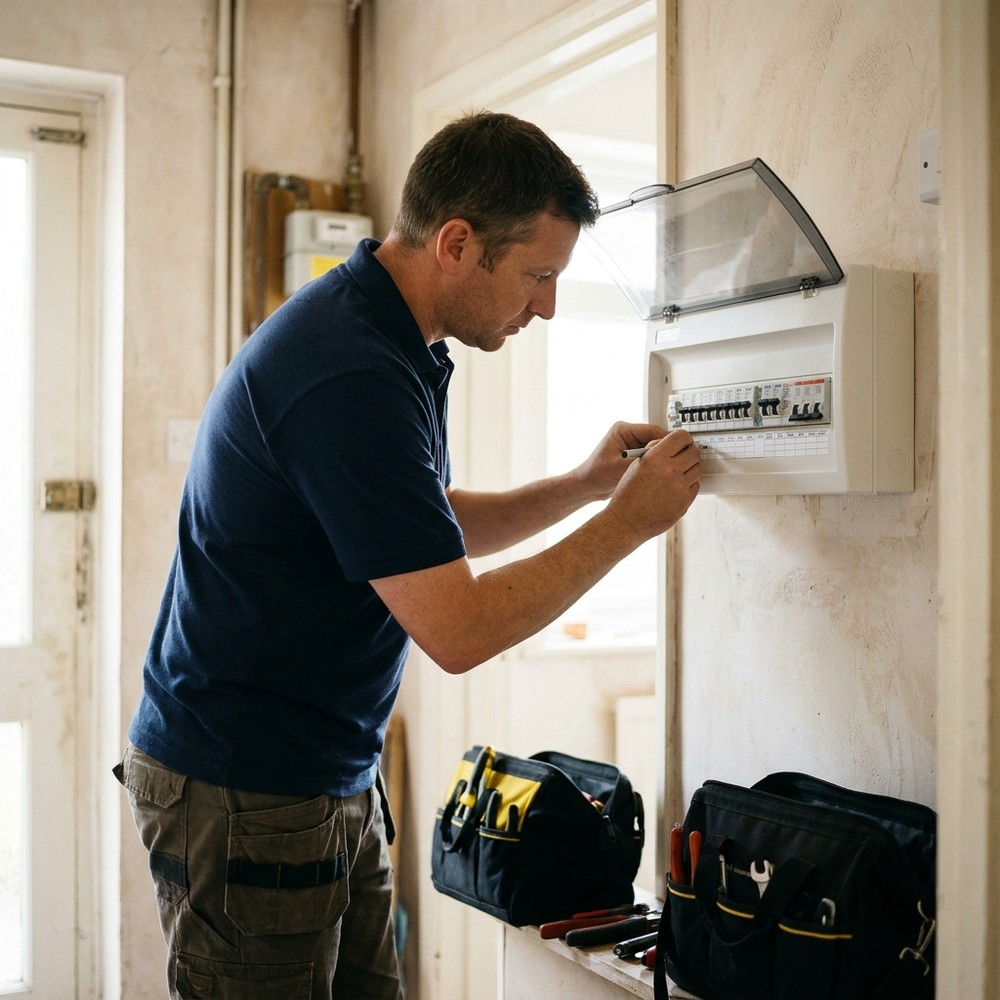
I'm Tom. Fifteen years of consumer unit changes and landlord EICRs around the Midlands. Every board ended the same way: chart in biro, labels by hand, schedule typed up at night.
So I built the thing I wanted. Tap it in once, print the lot, pay once.
— Tom Whitfield, Trades Shelf
Try it on your next board
Use it on your next job. If it's not for you, email support@digitalshelflab.com within 30 days and you'll get every penny back.
30-day money-back guarantee
11From the board to the PDF in three steps
- 1Build the row. Tap + to add devices in the same order as the real board.
- 2Add the circuits. Description, device, cable and points. Duplicate the next similar one.
- 3Print. Download the PDF: chart, schedule, board view and labels.
After you pay, we email you a button to open the app. Add it to your home screen and use it on up to 3 devices.
12Questions sparkies ask
Is this certificate software?
No. It does the board documents: chart, schedule, board view and labels. Keep using whatever you use for your EIC or EICR. Board Planner is a documentation aid, not a certificate.
Does it work with no signal?
Yes. After you've signed in once, everything works with no signal, including making the PDF. It saves as you go.
Is it up to date with Amendment 4?
It's built around BS 7671:2018+A4:2026, and the edition is printed on every PDF, so anyone reading it knows which edition it was made under.
Where are my boards saved?
On your device, not our server. Back them up with one tap, email the file to yourself and restore it on any phone, tablet or laptop.
Which boards does it work with?
Domestic single-phase boards: dual RCD, high integrity and all-RCBO, up to 2 rows of 22 modules. Any make. Three-phase isn't in this version.
Does it work on my phone?
It runs in your phone's browser, so there's nothing to install from an app store. Add it to your home screen like an app. Tablets and laptops too, and one purchase covers up to 3 devices.
Is there a monthly fee?
No. One payment and it's yours. No monthly fee, no annual licence, and it won't lock if you stop paying, because you never start.